7 Signing a RAMS
What is a RAMS?
A RAMS explains how a job will be done safely. Your company asks you to read it and sign to show you understand it. You do it on your phone, with no login.
Rules to know
- Your link: you get an email, or a text message if you only have a mobile. You don’t need a login.
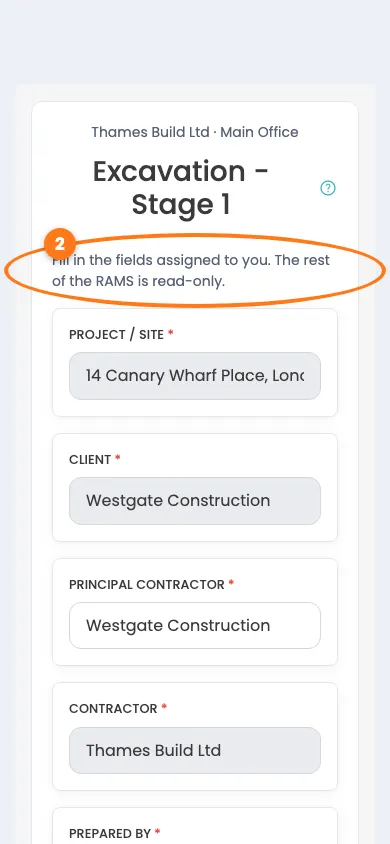
- Your part: if you have a role, such as Supervisor or Reviewer, you fill in your own fields first. The rest is read-only.
- To sign: tick the box to say you have been consulted and have read and understood it, then draw your signature.
- Privacy: you see the document and your own details. You never see who else has signed.
- Your copy: after you sign you get your own copy by email, or by text message if you have no email.
- Stopped links: if the document is closed, cancelled or replaced by a newer version, the link tells you.
- Too many opens: if you open the link many times in a short while, it is blocked for a few minutes.
- On site: if you work for a contractor, you can’t sign in until you’ve signed. You can read and sign at the kiosk, then you are signed in.
- Roles: if you hold a role, use the link we sent you. The kiosk is for reading and signing only.
- Time: after you look yourself up at the kiosk, you have about half an hour to finish.
What you’ll need
- Your phone.
- The email or text message with your link.
Sign from your email or text
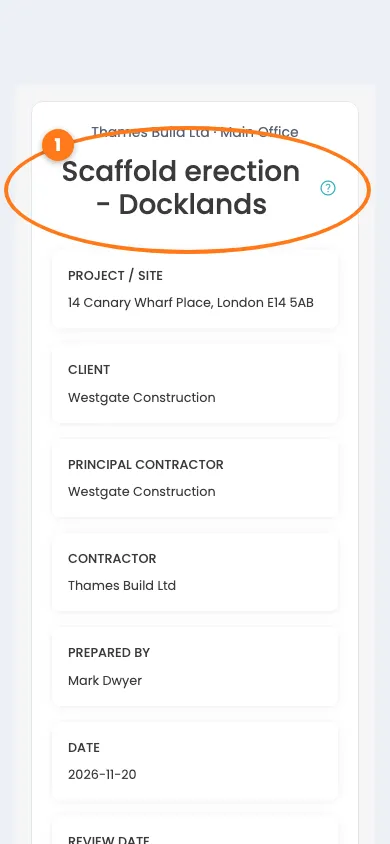
- Open the email or text message and tap the link.
- If you have a role, fill in your own fields. The rest is read-only.
- Read the document to the end.
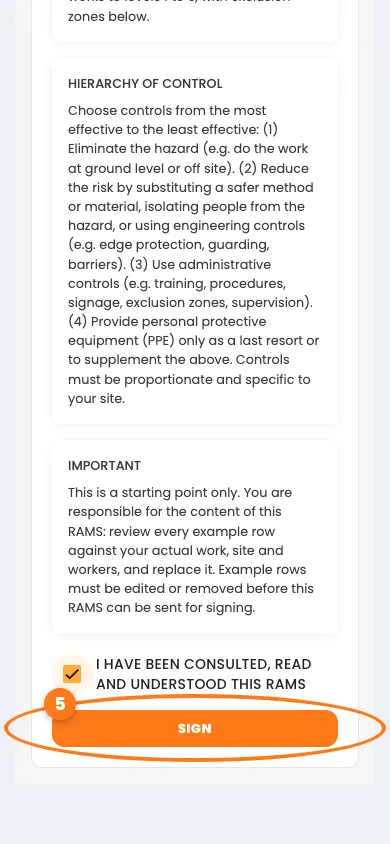
- Tick I have been consulted, read and understood this RAMS.
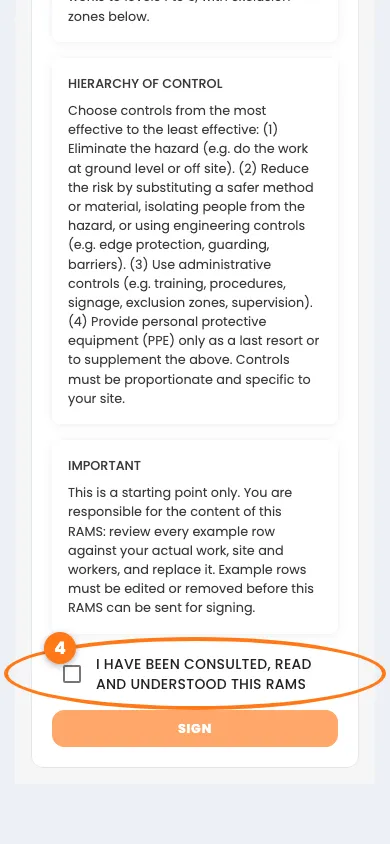
- Tap the orange Sign button.
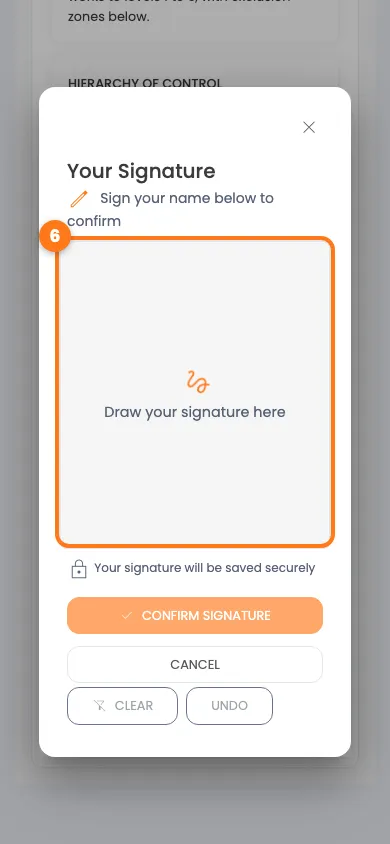
- Draw your signature, then tap Confirm Signature.
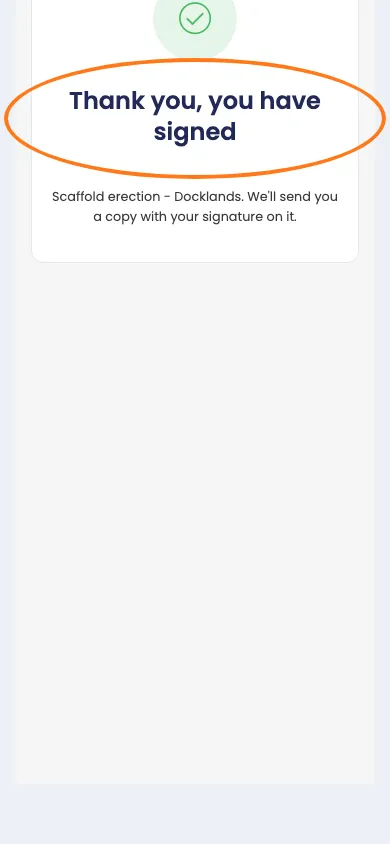
You see Thank you, you have signed. We send you your own signed copy.
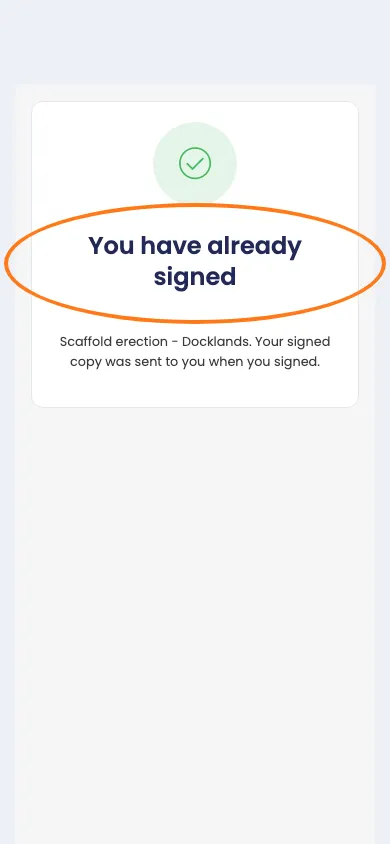
If you open the link again, it tells you that you have already signed.
Sign at the kiosk
If you work for a contractor, the kiosk may tell you that you can’t sign in yet.
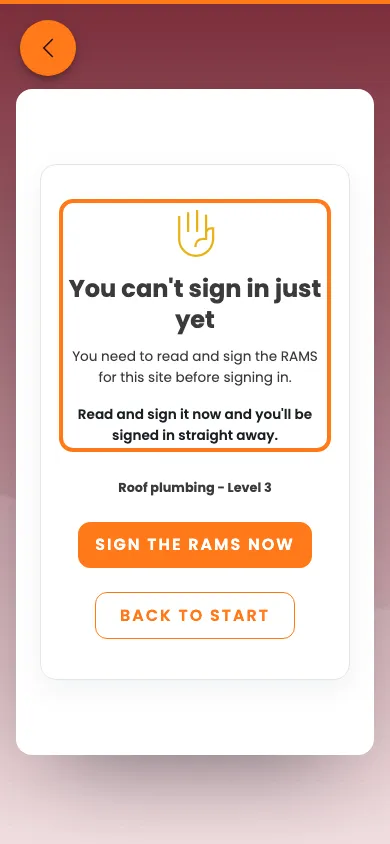
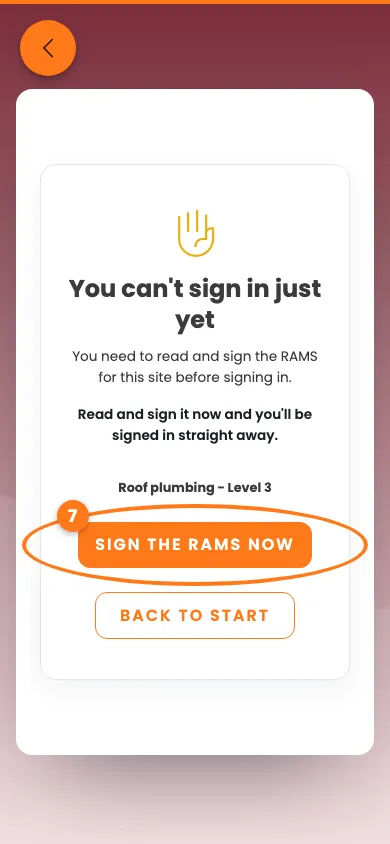
- Tap Sign the RAMS now.
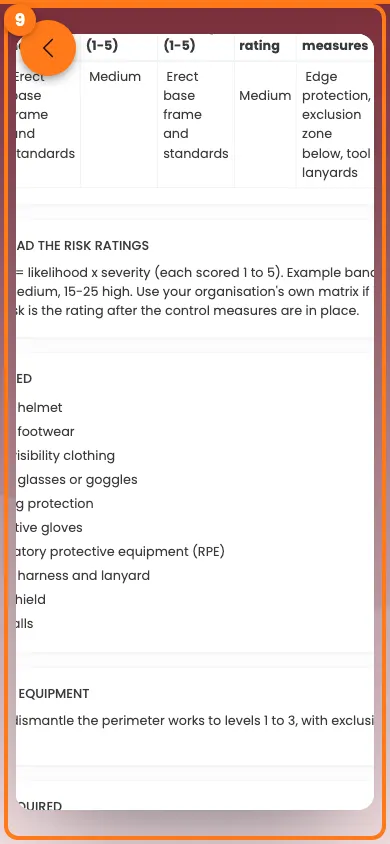
- Read the document and tick the box.
- Sign on the screen, then tap the orange button at the bottom.
Done! What happens next
You’re signed in straight away. Your signed copy comes by email or text message.